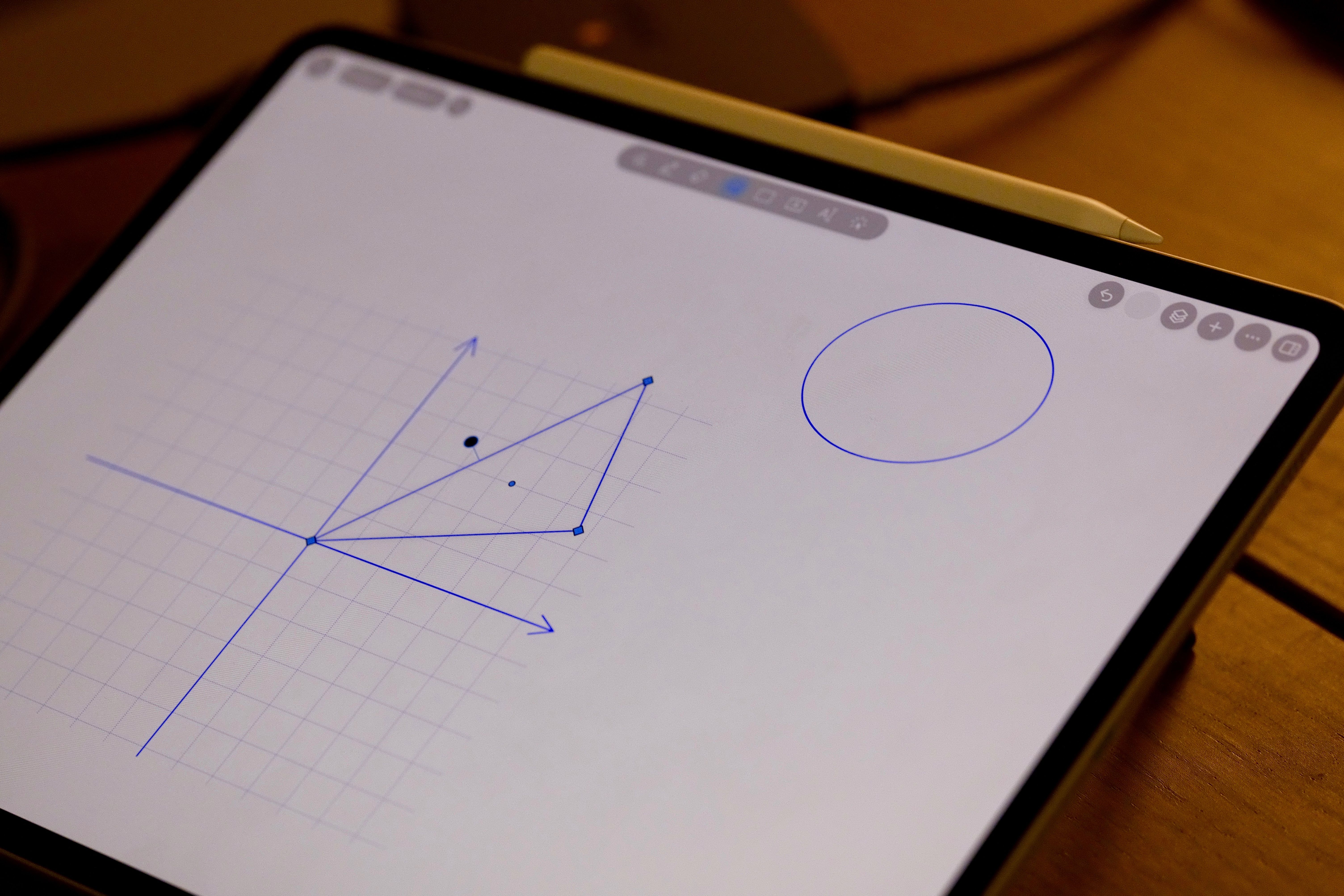
Room to work it out
Extend any of the PDF’s four margins. Keep calculations and explanations beside the problem.
PDF study notes · iPad + Apple Pencil
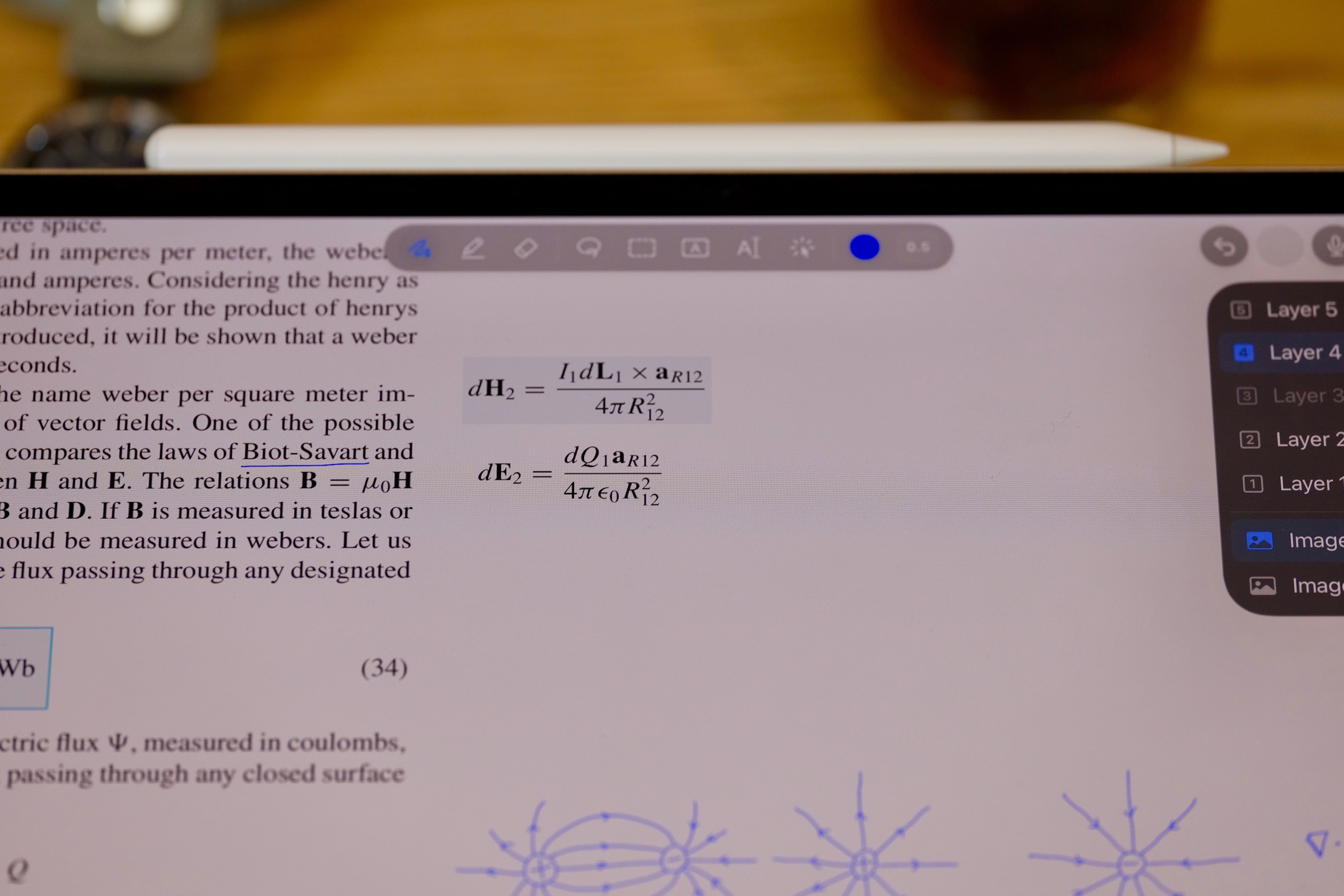
Make room for your working. Keep answers on a separate layer. Hide them, try again, and check what you know.
Up to 20 notes free. No subscription. No ads.
20 notes freeStart with your own PDFs
$9.99 onceUnlimited Notes · US price
iPad at the deskAlso on iPhone and Mac
Read. Work it out. Recall.
Textbooks, lecture slides, problem sets. Bring a PDF and make space for the part of studying that happens in your own handwriting.
Extend any of the PDF’s four margins. Keep calculations and explanations beside the problem.
Write solutions on a separate layer. Hide the layer for another attempt; reveal it when you’re ready to check.
Set PDF page 7 to displayed page 1 when that’s where the book begins. Use the printed page numbers to find your place.
Record while taking notes. During playback, tap handwriting made in the recording to jump to that moment in the audio.
Take it for a study session
No. A multipage PDF imported as one note counts as one note. The free allowance is up to 20 notes in your library, not 20 pages. Start with a textbook or lecture PDF you already use.
Yes. On iPad, you can write on PDFs, extend margins, hide and reveal handwriting layers, and use recordings linked to your handwriting within the free note allowance. Unlimited Notes removes the note-count limit; these study tools do not require that purchase.
You can keep opening and editing your existing notes. Creating or importing another new note brings up the Unlimited Notes purchase option. Notes in Trash are excluded from the active count.
Unlimited Notes lets you keep adding separate textbooks, course materials and notebooks without managing a note-count limit. It is a one-time lifetime purchase, with no subscription. $9.99 is the US price; the purchase screen shows your local App Store price. Open Settings → Support → Unlimited Notes when you want to upgrade.
Use the Apple Account you purchased with. If Unlimited Notes is not shown as active, open Settings → Support → Unlimited Notes and choose Restore Purchase. Your note files are separate from the purchase: choose iCloud during the introduction, or configure it in Settings → Sync, to use the same notes across devices.
20 notes free. Unlimited Notes for $9.99 once in the US.
No subscription. No ads.
Product copy and original photo files.
Photographs show UnivNote on a real iPad; the interface may differ from the current release. The pictured textbook is not included. iPad with Apple Pencil is the recommended setup; iPhone and Mac are also supported. Requires iOS/iPadOS 18 or macOS 15 or later. US price checked October 2, 2026; see the App Store for current local pricing.